1. DOWNLOAD ATOMIC APP

Download App Here
2. LOGIN TO ATOMIC APP
Log in to the ATOMIC app using the passcode provided by your study coordinator.
If you did not get a passcode or have problems logging in, contact your coordinator right way.

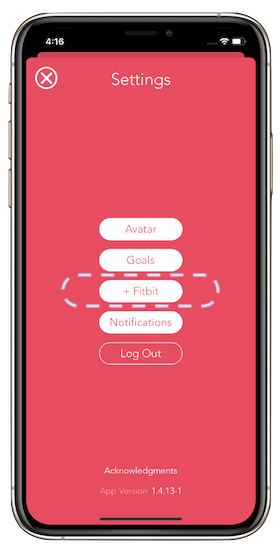
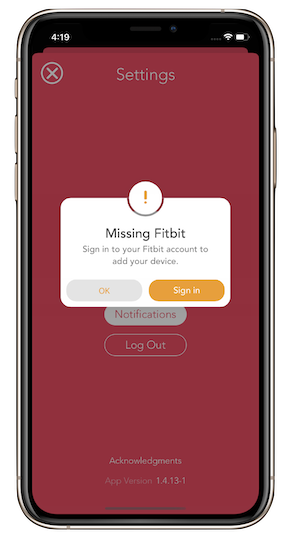
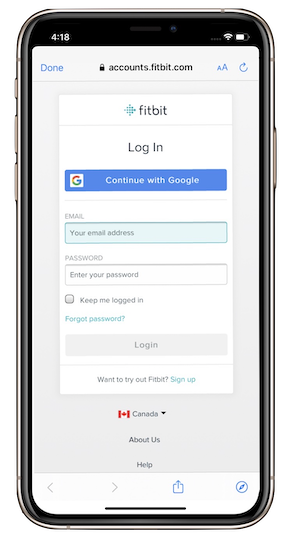
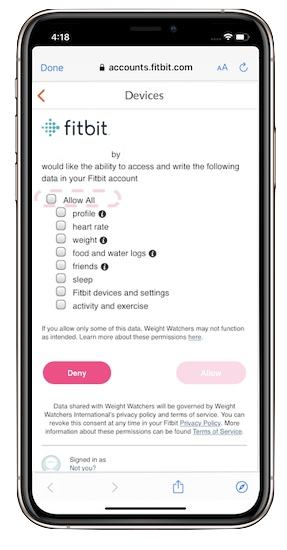
3. Connect Fitbit to ATOMIC App
i. Go to the app settings by clicking on the ‘cogs’ icon at the top right hand corner of the screen.